Internal Domain Review
Large companies often have hundreds of domains that are difficult to track. Veldica gives you an API-driven method to keep your security strong across all your domains in one run.
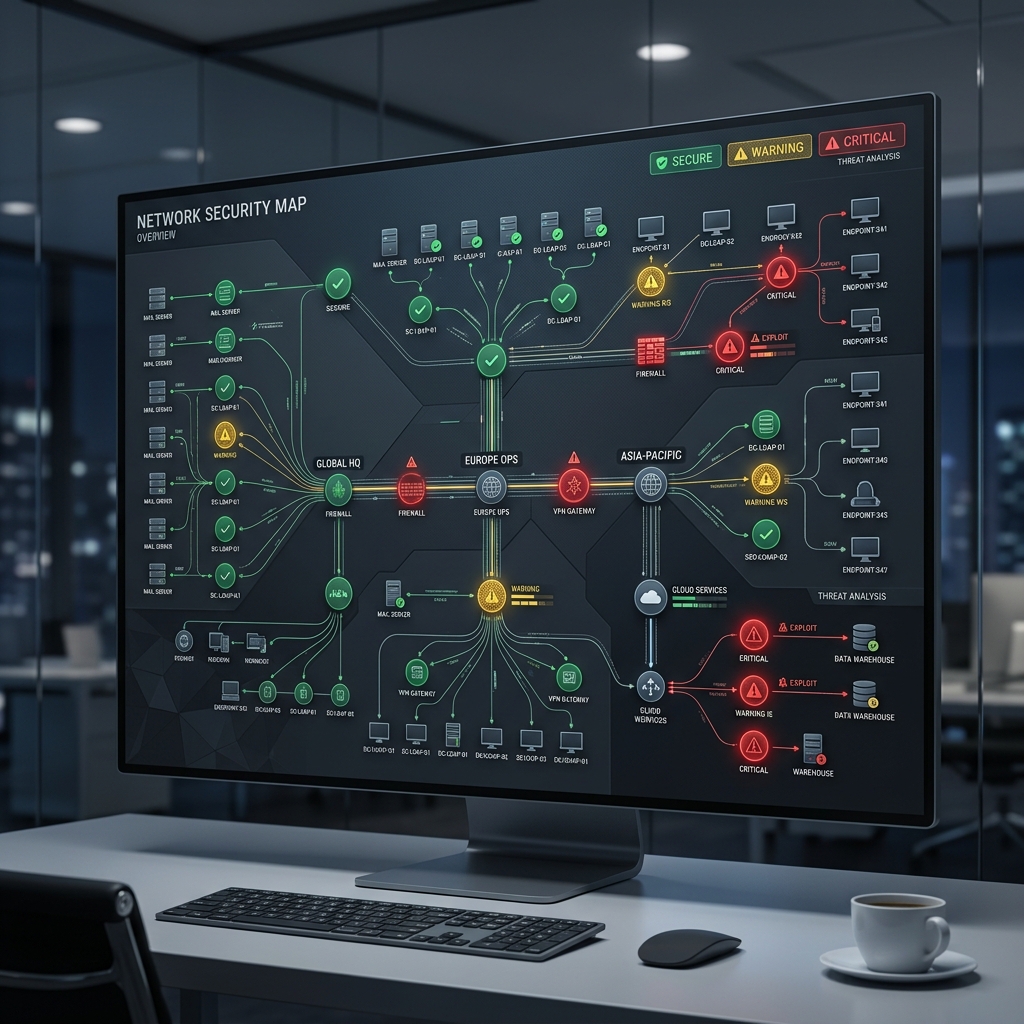
Corporate Audit Cycle
Get your domain list from your registrar or internal database.
Check your whole list with the bulk API to see your current state.
Identify domains with weak security or technical errors.
Set up monthly checks to find any changes you didn't authorize.
Overview
Large companies often have hundreds of domains that are difficult to track. Veldica gives you an API-driven method to keep your security strong across all your domains in one run.
Domain lists drift as teams add brands, regions, and campaign sites. Forgotten domains are often used by attackers to fake your emails.
Marketing teams or vendors often change DNS records without telling the security team, which can lower your protection over time.
Replace slow manual checks with a fast API that finds security gaps across all your domains in minutes.
The Review Cycle
Create a repeatable process to keep your domain list secure.
- List: Get a list of all your domains from your domain provider or registrar.
- Check: Use our bulk check tool to find high-risk gaps in your entire list.
- Rank: Sort your domains by their security score to see which ones need fixing first.
- Monitor: Run monthly checks to find any new changes or security risks.
Why Manual Reviews Fail
Checking DNS records by hand is too slow for large companies and leads to missed risks.
- Speed: A person can only check a few domains an hour; Veldica can check 50 in seconds.
- Accuracy: Manual checks are often down to the person checking; Veldica uses deterministic rules for everyone.
- Complexity: It is almost impossible to manually track when a vendor change breaks your technical limits.
The Veldica Model
Move from fixing problems after they happen to preventing them from the start.
See your security status across every part of your company in one place.
Compare your current settings to your old ones to find unauthorized changes instantly.
Turn complex technical data into a 0-100 score for your reports.
Automatically check new vendor settings before they go live on your domain.
Check Your Portfolio
Send your whole list of domains for a quick risk check.
POST /v1/pro/audits/domains
{
  "domains": ["main-brand.com", "office-uk.net", "marketing-site.io"]
}
Risk Summary
The API shows you exactly where your security is missing or broken.
{
  "summary": {
    "total_domains": 3,
    "risk_levels": {"critical": 1, "high": 0, "low": 2},
    "common_issues": {
      "missing_dmarc": 1,
      "spf_pass": 2
    }
  }
}
Production Usage
Security teams use Veldica to keep their monitoring tools updated.
- Monthly Check: Automatically pull your domain list and send it to Veldica.
- Get Results: Get a fresh security report for every domain you own.
- Find Changes: Compare this run with last month to find anything new.
- Take Action: If a score drops, automatically create a task for your team to investigate.
Keep Exploring
Use the Workflow Library to browse more guides, comparisons, and integration examples to continue your evaluation.
Ready to check your whole list?
Get visibility across all your domains with our Pro tools.